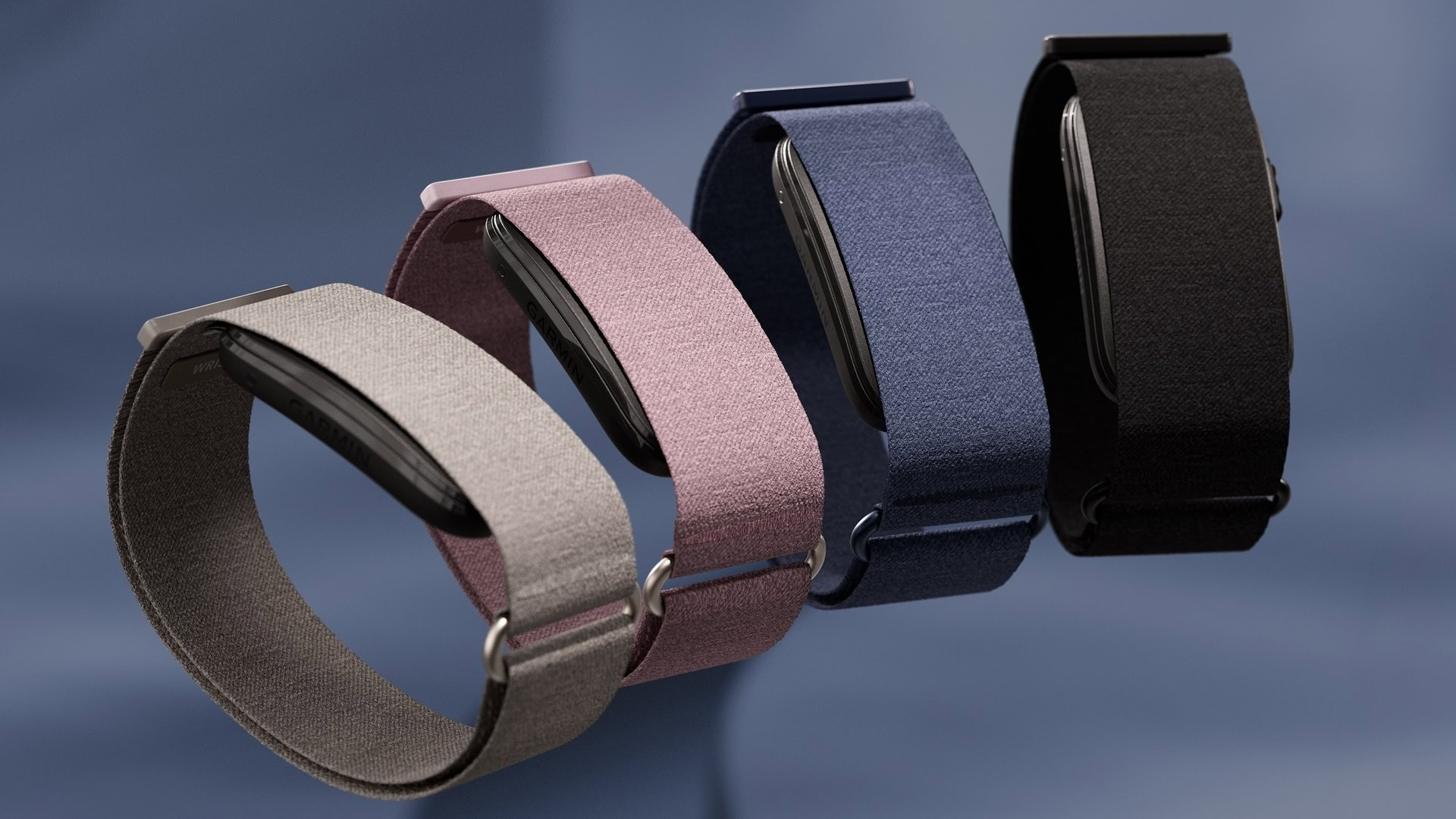
Credit: Garmin
TL;DR
- Garmin CIRQA owners are reporting missing workouts.
- Starting a workout directly from the CIRQA band and tapping “End” from the Connect app results in the activity not being saved.
- Garmin is investigating the issue and has offered a temporary workaround that involves tapping “Resume” first and then stopping and saving the workout from the activity-recording screen.
There’s not much that’s more deflating than putting in a good workout and your fitness tracker not saving it. Unfortunately, this is the reality for some Garmin CIRQA users. The company’s Fitbit Air rival is losing activity data, but there is a workaround.
Owners of the Garmin CIRQA smart band are encountering a very particular issue that’s resulting in activities not being saved. According to the reports on Garmin’s forums (h/t: Gadgets and Wearables), the issue is caused by starting a workout directly from the band and ending it from the Connect app. Specifically, it happens when a user starts an activity by pressing the button on their CIRQA and taps “End” in Garmin Connect’s “Activity in Progress” prompt.