Even if you’re not getting a new iPhone 18 Pro this week, you can still make your old phone feel new again. iOS 27 is here, and the update brings a slew of new features, including the long-awaited Siri chatbot, along with a slew of AI tools across the system and first-party apps. Those averse to artificial intelligence will still appreciate the other unrelated features, design changes, and performance improvements across the board. Hesitant about updating your iPhone? Below are the top additions you’re missing out on.
Siri’s awakening
Siri AI is the signature feature of iOS 27, baking advanced smarts into the operating system. You get a dedicated app to initiate and store conversations with the chatbot, with support for extensions like ChatGPT. Unlike third-party AI chatbots, however, Siri AI’s responses aren’t limited to world knowledge and web results only.
Thanks to Apple’s deep implementation, Siri AI can access data stored on your iPhone and respond accordingly. So, it can dig through and reference old emails, iMessages, photos, calendar events, notes, and much more. It can also analyze what’s currently visible on your screen and take action inside apps. It’s truly an all-encompassing AI assistant that other providers can’t natively replicate on iOS.
Other Siri AI perks include assistance with composing text; the chatbot can proofread, rewrite, adjust the tone, and even write from scratch in any text box if you prompt it to do so. Apps like Apple Mail and Messages also offer smart replies that adapt to your typing style and the ongoing conversation.
It’s worth noting that you’ll need an iPhone 15 Pro or newer, and accessing Siri AI may require getting past a potentially lengthy waitlist in the Settings app. But it’ll be worth it.
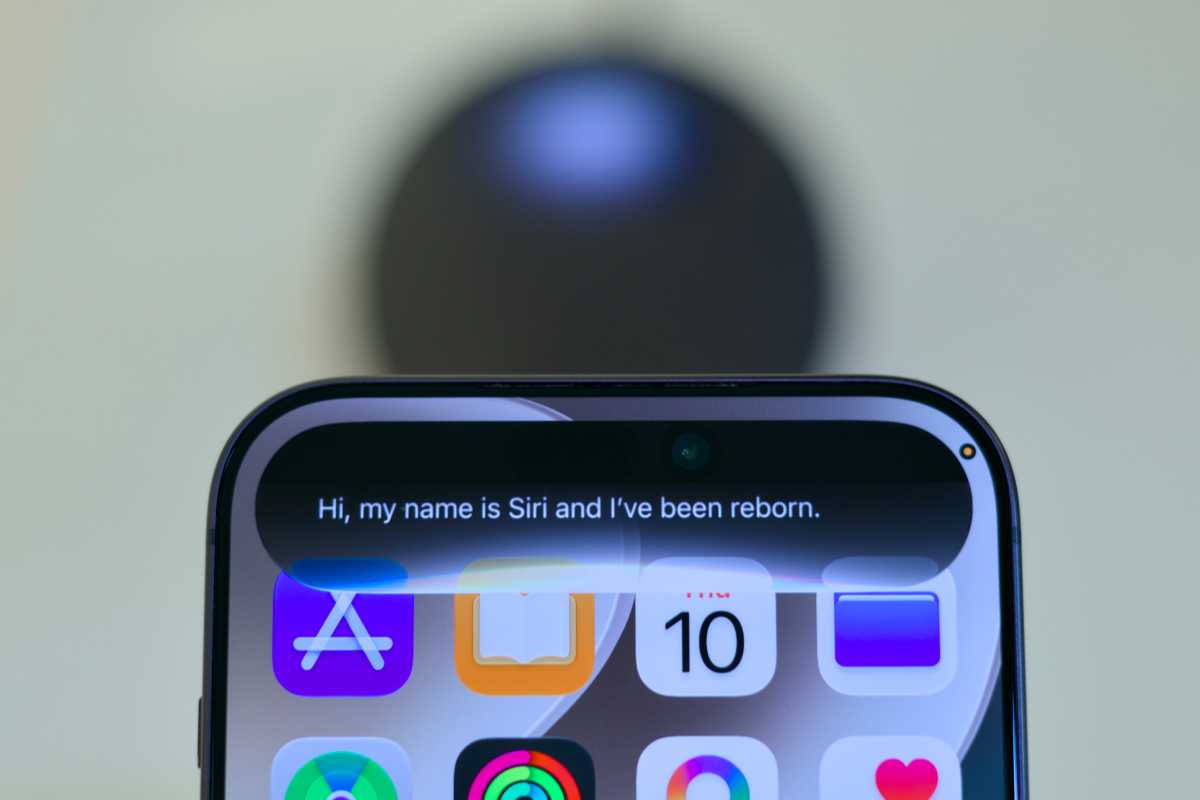
Siri AI is a dramatc improvement over the version we know now.
Foundry
AI changes the image
iOS 27’s AI introductions extend beyond the revamped Siri. The built-in Photos app now offers a trio of AI-powered editing tools—two of which are completely new. The existing Clean Up feature now offers an advanced mode that consumes more time and energy, allowing you to conceal more complex objects. Meanwhile, the Extend perk is essentially the opposite of cropping, letting you generate relevant content outside the original photo’s frame. You also get the Reframe option, which tweaks the angle of the shot using AI.
I’ve stress tested all three of them, and they generally work reliably. Like most AI features, however, they may hallucinate and generate unpredictable results from time to time. Do note that using any of these tools will add an AI label to the photo’s metadata—regardless of how subtle your edits are—and platforms like Instagram will add an AI disclaimer accordingly. Like Siri AI, you’ll need at least an iPhone 15 Pro to take advantage of these new Photo features.
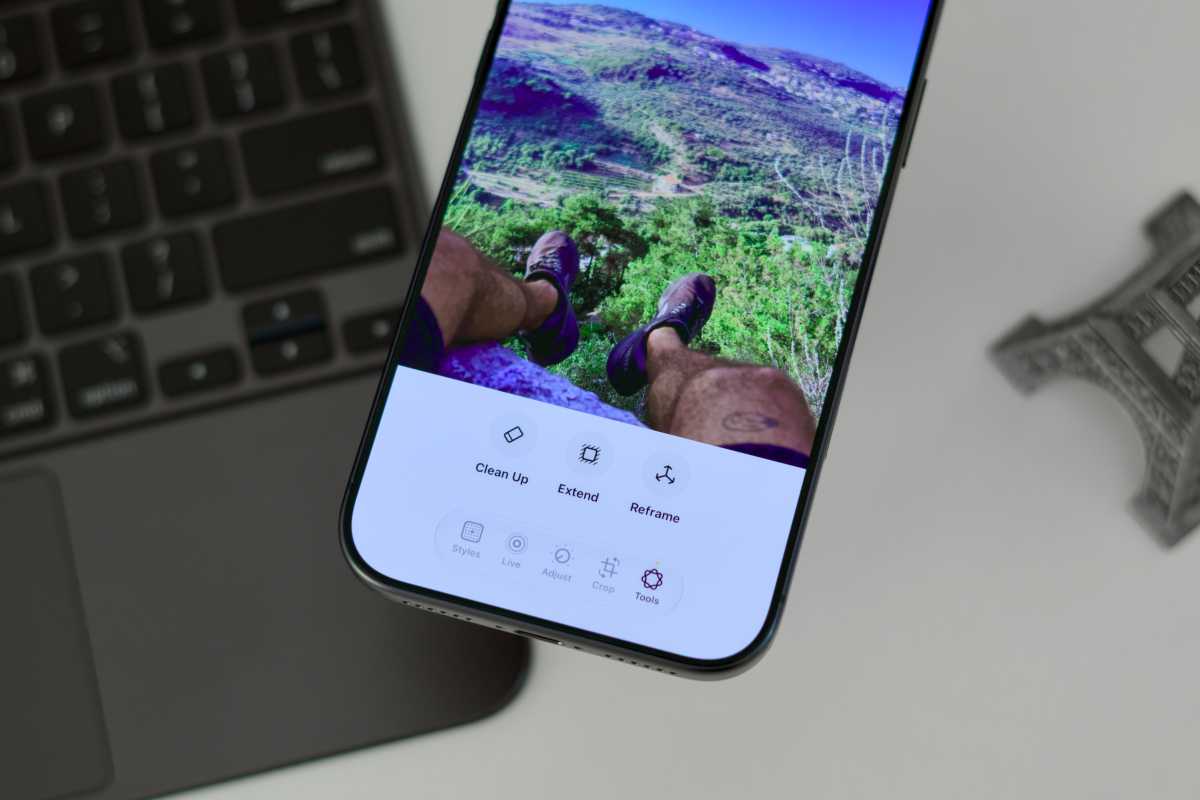
iOS 27 includes several new photo editing tools that use AI to augment your images.
Foundry
Taming the wild web
Safari on iOS 27 similarly adds three new core AI functionalities for the iPhone 15 Pro and later. Notify Me is a simple web crawler that scans selected sites for described changes based on a frequency of your choosing. If you’re anticipating a certain update, for example, you can stop manually refreshing the relevant webpage and Safari will alert you whenever it detects it.
Secondly, Safari can now automatically categorize different tabs based on their topics. You can then save generated tab groups to revisit them later. Otherwise, you can create Safari web extensions on iOS 27 by prompting the AI—sparing you from hunting for niche tools on the App Store.
Shortcuts for the rest of us
Similar to Safari extensions, iOS 27 lets you generate automations and workflows in the Shortcuts app using text prompts. For long, the app had required users to go through a sophisticated building process, barring tech newbies from creating complex shortcuts. Now, anyone can describe the needed tools using natural language, and the AI will pick the correct actions and sequence.
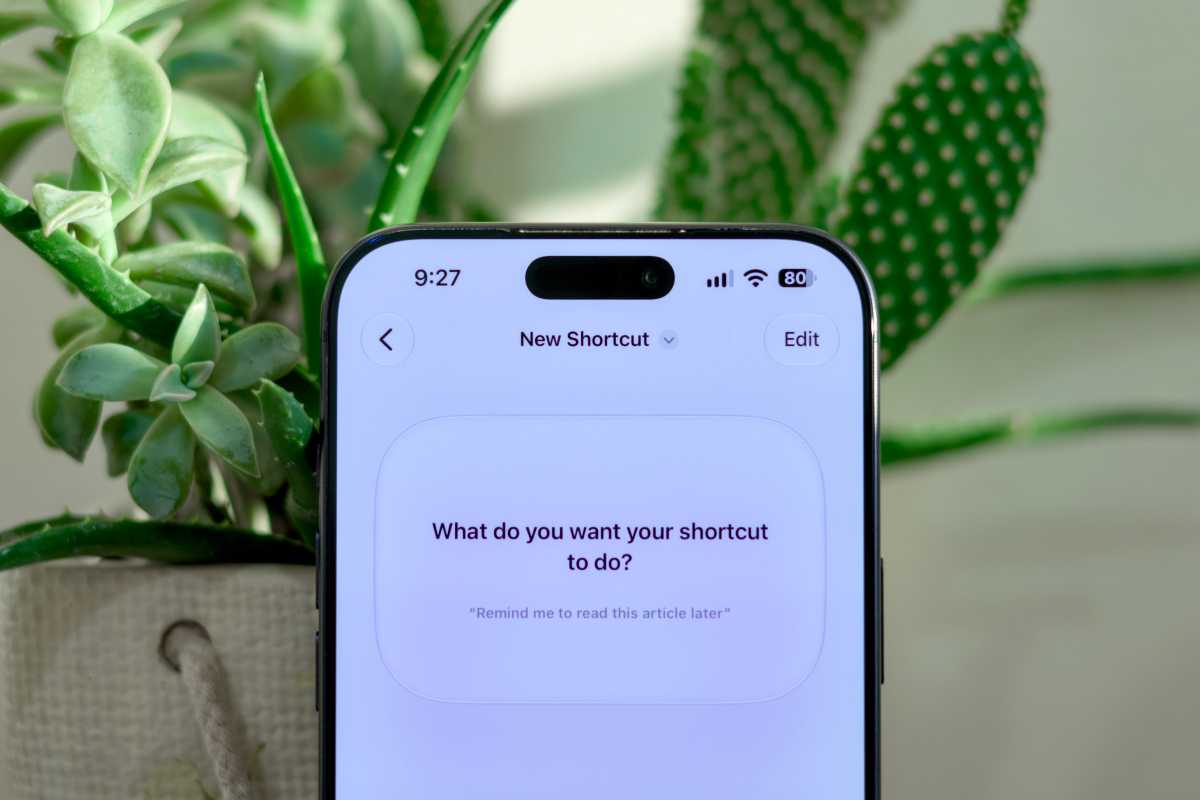
Shortcuts in iOS 27 is more powerful and much easier to use.
Foundry
Even more Intelligence
iOS 27’s AI features (again for iPhone 15 Pro and later) can also be encountered in more subtle parts of the system. For example, the Calendar app can now extract event details from a casual text description. Meanwhile, the Phone app will surface useful personal data when relevant calls are made, like reservations and ticket numbers. In Image Playground, you can now generate more realistic images, an upgrade from its predecessor’s ghastly cartoons.
Solid Glass
Finally something for all phones: iOS 27 addresses a common Liquid Glass complaint introduced with last year’s design overhaul. With the latest OS version, you can finally kill the translucency of Liquid Glass and opt for a more opaque look across the system and apps universally. All you have to do is tweak the dedicated slider found under Settings > Appearance > Liquid Glass.
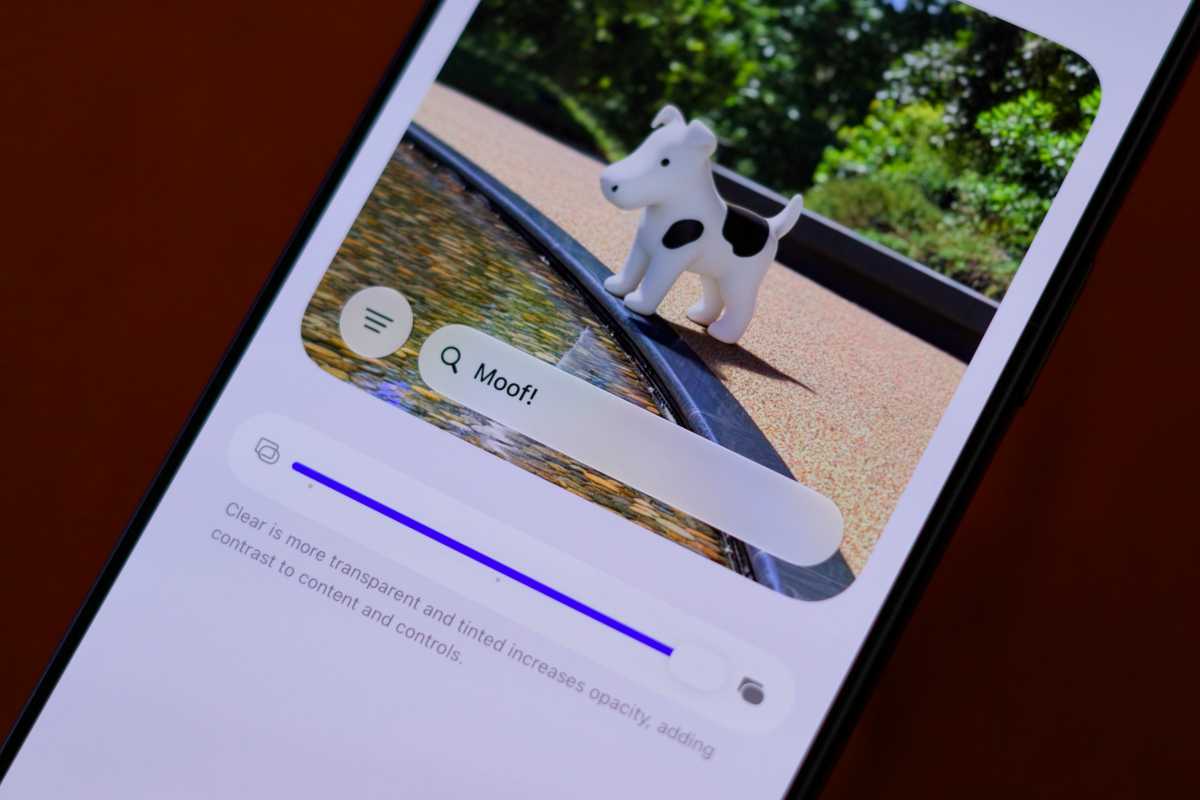
Liquid Glass can be as clear or opaque as you want in iOS 27.
Foundry
And much more
Other welcome iOS 27 additions include custom pass creation in Wallet, a quick paste keyboard shortcut when copying items, the ability to save high-resolution video frames, redesigned workout summaries, independent alarm volumes, more landscape apps, extra-large widgets, and more. The update also speeds up app launching and AirDrop, extends battery life, fixes leftover bugs, and patches security vulnerabilities.
To install it on an iPhone 11 or newer model, go to Settings > General > Software Update > and hit the Install Now button. Agree to the Terms of Service after reading them thoroughly, and keep your iPhone connected to a power source until the installation concludes.